
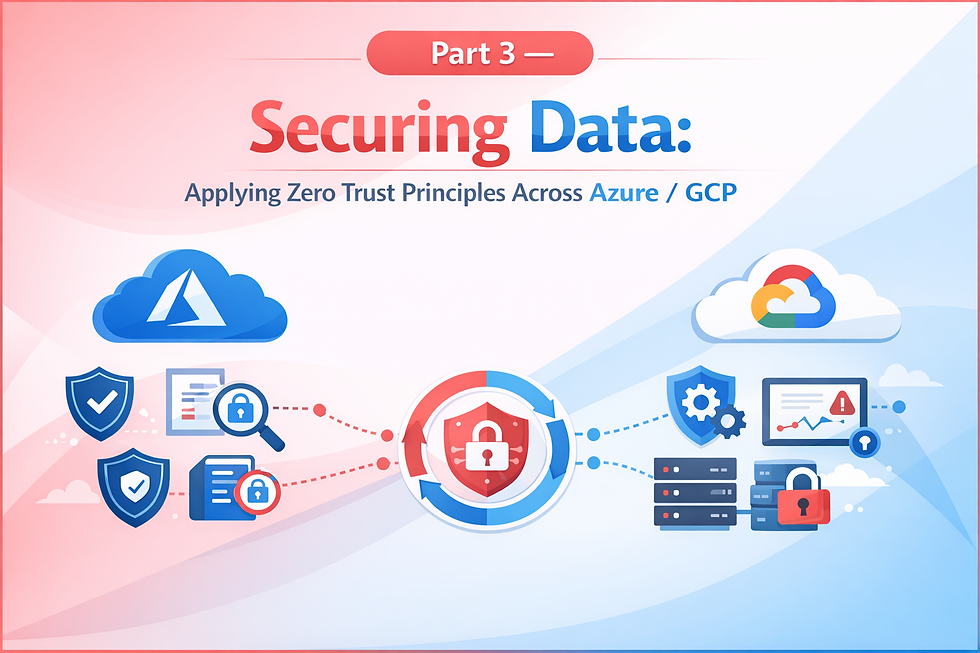
Part 5 — Securing Infrastructure: Applying Zero Trust Principles Across Azure/GCP
- Apr 12
- 3 min read
Introduction
In the era of distributed computing, the "moat-and-castle" security model is obsolete. Infrastructure is no longer confined to a single physical data center; it lives in the ephemeral world of virtual machines, serverless functions, and containerized clusters. Securing this infrastructure requires moving away from the assumption that internal traffic is "safe."
Zero Trust for Infrastructure shift the focus from protecting the network perimeter to protecting the individual resources themselves. By treating every infrastructure component—whether a storage bucket in GCP or a SQL instance in Azure—as if it were sitting on the open internet, organizations can build a resilient architecture that survives even when the perimeter is breached.

Why Zero Trust for Cloud Infrastructure?
Cloud infrastructure is inherently dynamic and software-defined. Traditional static firewall rules cannot keep up with auto-scaling groups or microservices that spin up and down in seconds. Zero Trust is the only viable model for cloud infrastructure because:
Granularity: It allows security policies to be attached to specific workloads rather than broad IP ranges.
Automation: Zero Trust principles can be baked into Infrastructure as Code (IaC) templates.
Blast Radius Reduction: By assuming a breach has already occurred, the focus shifts to preventing lateral movement between infrastructure layers.
Shadow IT Protection: It ensures that even "forgotten" or unauthorized resources require strict authentication to interact with the production environment.
1. Hardening Compute and Workload Identities
The core of infrastructure security is ensuring that only authorized compute resources can perform actions. This replaces long-lived, hard-coded credentials with dynamic, identity-based permissions.
Azure
Microsoft Defender for Cloud: Provides Just-In-Time (JIT) VM Access, which reduces exposure to brute-force attacks by opening management ports only when needed.
Azure Disk Encryption: Uses BitLocker and DM-Crypt to provide volume encryption for the OS and data disks of VMs.
Trusted Launch: Protects against bootkits and rootkits by using Secure Boot and vTPM.
GCP
Shielded VMs: Uses verifiable integrity through Secure Boot and measured boot to ensure instances haven't been compromised by malware.
Confidential Computing: Encrypts data in use (in RAM) using N2D and C2D instances with SEV technology.
OS Login: Manages SSH access to VM instances using IAM roles, eliminating the need to manage individual SSH keys.
Outcome: Compute resources are hardened at the hardware level and identities are ephemeral, reducing the risk of credential theft.
2. Infrastructure Data Protection and Storage Perimeter
Data storage is often the primary target of an attack. Zero Trust mandates that storage services are not just encrypted, but isolated from the public internet entirely.
Azure
Storage Firewalls and Virtual Networks: Limits access to Storage Accounts to specific VNets or IP addresses.
Azure Key Vault: Centralized management of keys, secrets, and certificates with hardware security module (HSM) backing.
Immutable Storage: Ensures data cannot be modified or deleted for a user-specified interval to protect against ransomware.
GCP
Cloud Storage Bucket Lock: Enables WORM (Write Once, Read Many) policies to prevent data deletion.
Customer-Managed Encryption Keys (CMEK): Gives users control over the keys used to protect data at rest in Cloud Storage and BigQuery via Cloud KMS.
VPC Service Controls: Creates a security perimeter around sensitive data in GCP services to prevent data exfiltration.
Outcome: Data is encrypted at rest, in transit, and in use, with access restricted to specific VPC/VNet boundaries.
3. Automated Policy as Code (PaC)
To maintain Zero Trust at scale, infrastructure must be audited automatically. Human error in configuration is the leading cause of cloud breaches.
Azure
Azure Blueprints: Orchestrates the deployment of compliant environments including role assignments and policy assignments.
Resource Graph: Provides the ability to explore and query infrastructure at scale to identify non-compliant resources.
GCP
Policy Analyzer: Helps understand who has access to what resources and helps find overly permissive IAM policies.
Organization Policy Service: Gives central control over the organization's cloud resources to ensure configurations stay within security boundaries (e.g., "Disable service account key creation").
Outcome: Security is enforced by default through automated guardrails, preventing "configuration drift" over time.
Conclusion
Securing infrastructure across Azure and GCP is not a one-off task but a continuous evolution. By applying Zero Trust principles—specifically through hardware-level hardening, identity-driven access, and automated policy enforcement—organizations transform their cloud presence from a collection of vulnerable assets into a fortified, self-defending ecosystem.
In this model, the infrastructure itself becomes "smart" enough to reject unauthorized requests, regardless of where they originate. This creates a foundation that is not only secure but also highly transparent and compliant, allowing the business to innovate at the speed of the cloud without the weight of legacy security risks.

Comments